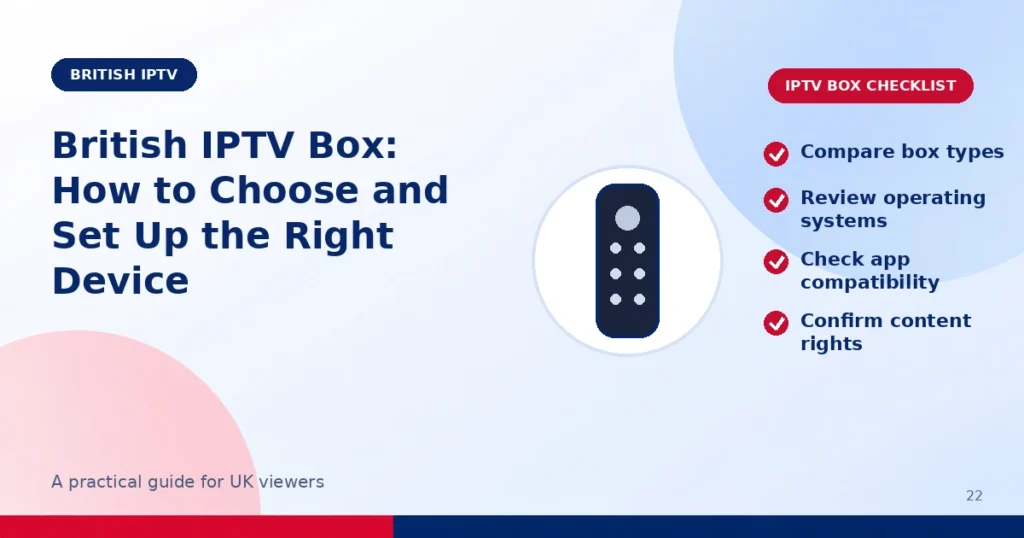
Choosing the right British IPTV box can make a noticeable difference to your television streaming experience. Whether you want to watch live television, follow sports, explore entertainment channels, or access on-demand content, your streaming device needs to support the applications and services you plan to use.
However, not every IPTV box works in the same way. Some devices run Android TV or Google TV, while others use different operating systems with their own app stores and compatibility limitations. You also need to understand that buying an IPTV box does not automatically provide access to television channels. You need a compatible application and an authorised IPTV service.
This guide explains what a British IPTV box is, which device types are worth considering, what features matter, and how to set up your device.
What Is a British IPTV Box?
A British IPTV box is a streaming device that connects to your television and allows you to access television content over an internet connection through compatible applications.
Most IPTV boxes connect to a TV using an HDMI cable. After connecting to your home Wi-Fi or Ethernet network, you can install supported applications and use them to access streaming services.
Depending on the device and the applications available, you may be able to watch:
- Live television channels
- Sports and entertainment programmes
- Movies and television series
- Catch-up television, where supported
- On-demand content from compatible services
It is important to understand the difference between the device, the IPTV player and the subscription. The box is the hardware, the player is the application, and the subscription provides access to content. These are separate parts of an IPTV setup.
Which British IPTV Box Should You Choose?
There is no single device that is best for everyone. Your choice should depend on your television, preferred applications, budget, and technical requirements.
Here are some common options to consider.
1. Android TV and Google TV Boxes
An Android TV or Google TV box is a flexible option for people who want access to a range of streaming applications. These devices provide a television-friendly interface and, on certified models, access to the Google Play Store.
You can search for compatible IPTV players, install supported applications and enter your service details.
Suitable for: Users who want a broad choice of compatible streaming applications and a dedicated television interface.
2. Amazon Fire TV Devices
Amazon Fire TV devices are another popular option for streaming. They connect to your television through HDMI and provide access to applications through the Amazon Appstore.
The Fire TV Stick is compact and convenient, making it useful for people who do not want a larger set-top box. However, app availability and installation methods depend on the particular model and software.
Suitable for: Users who prefer a compact streaming device with a straightforward interface.
3. NVIDIA Shield TV
The NVIDIA Shield TV is a more advanced Android TV streaming device. It may appeal to users who want additional processing capability, a premium streaming experience and a wide range of supported applications.
Before buying, check the model’s current software support, available ports and compatibility with your chosen IPTV player.
Suitable for: Users who want a more advanced streaming device and are comfortable spending more on hardware.
4. MAG and Formuler Devices
MAG and Formuler devices are also worth considering when comparing dedicated IPTV-style set-top boxes. Their interfaces and supported features differ from standard Android TV devices.
Some models use portal-based configuration, while others offer their own application environments. You should check the exact model and confirm that your IPTV provider supports its connection method before purchasing.
Suitable for: Users who prefer a dedicated set-top-box experience and have confirmed compatibility with their provider.
Features to Check Before Buying a British IPTV Box
Do not choose a streaming box based only on its advertised Android version or claims of unlimited channels. The hardware and software specifications matter.
Consider these features before making a purchase:
| Feature | Why it matters |
| Operating system | Determines which applications you can install |
| App compatibility | Ensures your preferred IPTV player is supported |
| RAM and processor | Affect navigation, app loading and multitasking |
| Storage | Provides space for applications and updates |
| Wi-Fi support | Helps maintain a stable wireless connection |
| Ethernet port | Offers a wired network connection where available |
| 4K support | Useful when your TV, content and service all support 4K |
| Software updates | Help maintain security and compatibility |
Check device certification: For Android-based boxes, look for genuine Android TV or Google TV certification and official Google Play access. Some inexpensive generic boxes use modified software and may not provide the same application compatibility or update support.
How to Set Up British IPTV on Your Streaming Box
Once you have chosen a compatible device, the setup process is generally straightforward. Exact instructions vary depending on the operating system and IPTV application.
Step 1: Connect the Box to Your Television
Connect your streaming device to an available HDMI port. If your device has a separate power adapter, connect it and switch on your television.
Select the correct HDMI input using your TV remote.
Step 2: Connect to the Internet
Follow the on-screen instructions to connect your box to your home network.
You can generally choose between:
- Wi-Fi: Convenient when your router is close enough to provide a stable signal.
- Ethernet: A wired connection that can reduce wireless interference and improve connection consistency.
Step 3: Update the Device
Open the device settings and check for available system updates. Installing updates can help improve security, performance and application compatibility.
Step 4: Install a Compatible IPTV Player
Open the official app store available on your device. Search for an IPTV player that supports your provider’s service and install it.
The available applications vary between Android TV, Fire TV and other platforms. Do not assume that an app designed for one operating system will work on another.
Step 5: Enter Your IPTV Subscription Details
Open the IPTV player and follow its setup instructions. Depending on the application and provider, you may be asked for:
- Username and password
- Server or portal URL
- M3U playlist URL
- Electronic Programme Guide (EPG) URL, if required
Enter the details exactly as provided by your service. Incorrect characters, spaces or outdated credentials can prevent the playlist from loading.
Step 6: Load Your Channels and Test Playback
Allow the application to process your account or playlist. If your service supports a channel guide, check whether the EPG information loads correctly.
Test a few available channels and check whether playback, sound, and navigation work as expected.
British IPTV Box vs Smart TV: Do You Need an Extra Device?
If you already own a Smart TV, you may not need to purchase a separate IPTV box.
Many Smart TVs support streaming applications directly through their built-in app stores. However, the available apps depend on the television’s operating system, model and software version.
An external streaming box may be useful when:
- Your Smart TV does not support your preferred IPTV player.
- Your television’s interface feels slow.
- You want access to additional applications.
- Your TV no longer receives useful software updates.
- You prefer to use a separate streaming device across different televisions.
If your existing television already supports the applications you need, buying another device may not offer much benefit.
Common British IPTV Box Problems and Solutions
Even a compatible streaming box can experience technical problems. The following checks can help you identify common causes.
| Problem | What to check |
| IPTV application will not open | Update the application and restart the device |
| Channels are not loading | Check your subscription and login information |
| Frequent buffering | Test your internet connection and try Ethernet |
| Missing TV guide | Check the EPG settings and update the guide |
| No sound | Review audio output and player settings |
| Device running slowly | Remove unused apps and check available storage |
| Application unavailable | Confirm operating system and regional compatibility |
If the problem continues, contact your IPTV provider or the application developer. The issue may be related to the service, the player, or the device itself.
Is an IPTV Box Legal in the UK?
An IPTV box is a piece of streaming hardware, and IPTV technology is not illegal by itself. What matters is how the device and its applications are used.
A streaming box can be used for legitimate services and authorised content. However, accessing copyrighted television programmes, films or sports through a service that does not have the necessary distribution rights can create legal problems.
Be cautious of devices advertised as fully loaded with every premium channel included. Check the source of the content, the provider’s permissions, and the terms of the service before subscribing.
Frequently Asked Questions About British IPTV Boxes
1. What is the best British IPTV box?
The best choice depends on your preferred applications and requirements. Certified Android TV and Google TV boxes offer flexibility, while Fire TV devices provide a compact streaming option.
2. Do I need an IPTV subscription with a streaming box?
Yes, if you want to access subscription-based IPTV content. The box provides the hardware, but it does not automatically include a television service.
3. Can I use a British IPTV box with any television?
Most streaming boxes work with televisions that have a compatible HDMI input. You should also check the device’s power, display, and audio requirements.
4. Does an Android TV box support IPTV?
Many Android TV boxes support IPTV player applications. However, compatibility depends on the device’s operating system, certification, application availability, and IPTV provider.
5. Is a Fire TV Stick the same as an IPTV box?
A Fire TV Stick is a compact streaming device that can be used for IPTV when a compatible application and service are available. It is different from a traditional set-top box.
6. Can I watch 4K content using a British IPTV box?
You need a device, television, internet connection, and content source that all support 4K. Having a 4K box alone does not guarantee 4K playback.
7. Does an IPTV box need Wi-Fi?
Most streaming boxes support Wi-Fi, while some also offer Ethernet. A wired connection can be useful when wireless performance is inconsistent.
Final Thoughts
Choosing the right British IPTV box starts with understanding your streaming requirements. Compare the operating system, application compatibility, hardware specifications and internet connectivity before purchasing a device.
An Android TV box, Fire TV device, or dedicated IPTV set-top box may be suitable, provided it supports your chosen service. You should also confirm that the provider has the necessary rights to distribute its content.
For the best experience, use a reputable device, install applications from trusted sources, and follow your provider’s setup instructions. A compatible device and a stable internet connection provide a much better starting point for IPTV streaming.