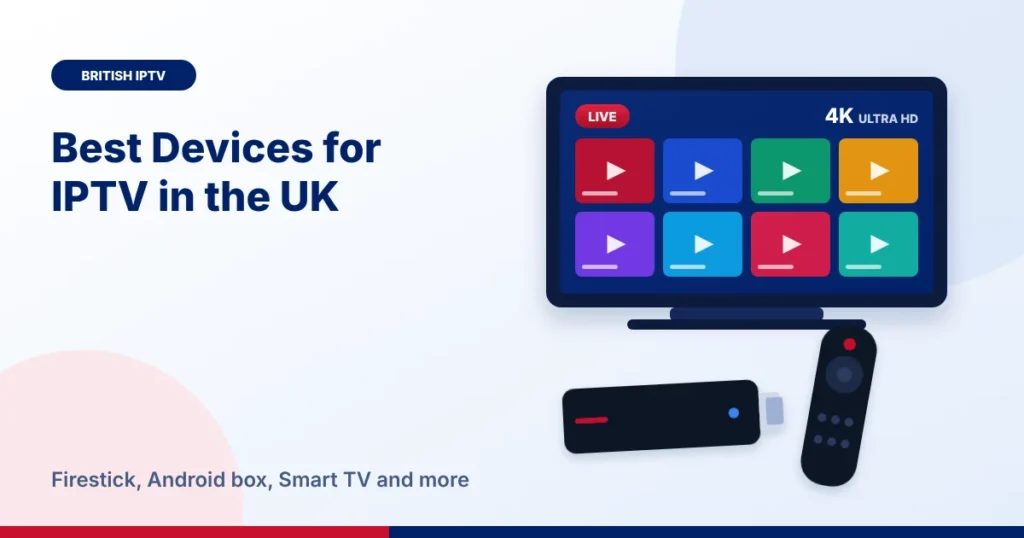
The device you choose affects how easy IPTV is to set up and how smooth it feels every day. Here is a plain-English look at the most popular options in UK homes, with the pros and cons of each, so you can pick the right one for your TV.
Amazon Firestick and Fire TV
The Firestick is one of the most popular choices because it is small, affordable and works with almost any TV that has an HDMI port. It has a simple remote, plenty of apps and clear setup steps. Newer models handle HD and 4K well. See our guides on installing IPTV Smarters Pro on Firestick and IPTV on Firestick.
Best for: most households, older TVs, and anyone who wants an easy setup.
Android TV boxes and NVIDIA Shield
Android boxes are flexible and powerful, with more storage and often an Ethernet port for a stable wired connection. The NVIDIA Shield is at the premium end and is known for strong performance and 4K quality.
Best for: people who want a wired connection and extra performance.
Smart TVs (Samsung, LG, Android TV and Google TV)
If your TV is recent you may not need any extra hardware. Many Smart TVs let you install an IPTV player app directly. The result is a clean setup with one remote. Older Smart TVs can be slower, so a Firestick often improves the experience.
Best for: a tidy setup with no extra boxes.
Android phones, tablets, iPhone and iPad
Phones and tablets are ideal for watching in another room or on the move. They are a good second screen, but remember that every stream counts towards your connection limit. Read about this in IPTV connections explained.
Best for: extra viewing, travel and bedrooms.
Apple TV, Roku and MAG boxes
Apple TV offers a smooth, polished experience if you are already in the Apple ecosystem. Roku support depends on the player you choose. MAG boxes are purpose-built set-top boxes that some customers prefer for simplicity. Check our installation guide for the supported options.
Windows PC and Mac
A computer is handy for testing a free trial or watching at a desk. You can use a compatible player app, and you can connect the computer to a TV with an HDMI cable.
How to choose in 30 seconds
- Older TV or tight budget: Firestick.
- Want a wired connection and top performance: Android box or NVIDIA Shield.
- Recent Smart TV and no extra clutter: install the app on the TV.
- Extra screen for the bedroom: phone or tablet.
Tell us your device. Message our team with your TV or box model and we will confirm what works.
Frequently asked questions
What is the best device for IPTV in the UK?
For most people the Amazon Firestick is the easiest and best-value choice. Android boxes and the NVIDIA Shield suit people who want extra performance and a wired connection.
Do I need a Firestick if I have a Smart TV?
Not always. If your Smart TV supports a compatible player app you can install it directly. A Firestick can still help if your TV is older or slow.
Can I watch IPTV in 4K on any device?
4K needs a device that supports it, a 4K TV and a fast, stable internet connection. Check your device specifications before you buy.